


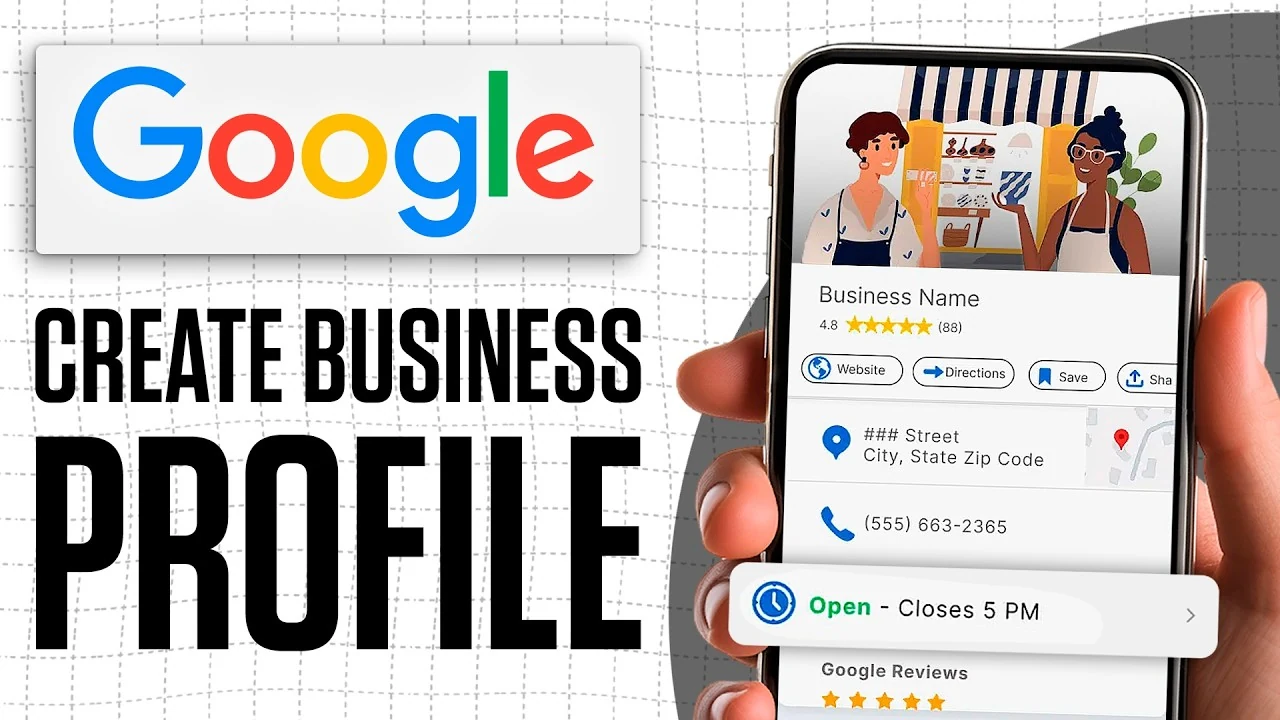
First: check whether the business is eligible
Google's rules require a business to make in-person contact with customers during its stated hours, subject to specific exceptions. Online-only businesses, lead-generation companies and virtual offices generally do not qualify. A service-area business that visits or delivers to customers may qualify, even if it does not receive customers at its home address. Check the official eligibility and ownership guidelines before creating a profile.
Choose the correct business type
A storefront business serves customers at a staffed location with appropriate signage. A service-area business travels to customers and should hide its address if customers are not served there. A hybrid business serves customers at its location and also visits or delivers to them. Do not publish a residential address simply to appear on the map if customers do not visit that address.
Set up the profile
- Sign in with a Google account controlled by the business owner.
- Search for the business name to see whether a profile already exists. Avoid creating duplicates.
- Add the exact real-world business name. Do not add extra keywords, locations or promotional phrases to the name field.
- Choose the most accurate primary category, then add only relevant secondary categories.
- Enter a genuine business address if customers visit the location, or configure a service area and hide the address if the business travels to customers.
- Add a local phone number and the correct website URL.
- Set accurate opening hours, special hours and holiday closures.
- Write a clear description focused on actual services and service areas.
- Add services, products, photos and other supported attributes that accurately represent the business.
- Complete the verification method Google offers for that business. The method can vary; follow the instructions shown in the account.
Connect the profile to Google Maps
Google Business Profile information can appear in Search and Maps after Google has processed and verified the profile. Check the public listing on both surfaces. Confirm the map pin, street details, phone, website, hours and service areas. For service-area businesses, Google allows a defined set of service areas rather than an arbitrary radius. The boundaries should reflect the real operating area. See Google's service-area setup guide.
Photos, posts and updates
Use genuine, recent images of the premises, team, products, work samples or vehicles. Avoid misleading stock imagery that implies a location or staff that do not exist. Add clear captions and keep the visual quality consistent with the business website. Publish updates when there is something useful to tell customers, such as a new service, seasonal hours or a real offer.
Reviews: ask ethically and respond professionally
Invite genuine customers to leave honest feedback after a completed interaction. Do not buy reviews, offer rewards for positive reviews or ask staff to pose as customers. Respond calmly and avoid disclosing personal information in public replies. A thoughtful response to criticism can show prospective customers that the business takes service seriously.
Improve local visibility beyond the profile
Use the same business name, address and phone details across the website, social profiles and reputable directories. Create useful website pages for actual services and locations rather than dozens of thin keyword pages. Add a contact page with a map or clear service-area details, and make the phone and enquiry actions easy to use on mobile. Measure calls, direction requests, website visits and qualified enquiries.
Common mistakes to avoid
- Keyword-stuffing the business name.
- Creating multiple profiles for the same location.
- Showing a private residential address when customers are not served there.
- Choosing categories that do not match the real service.
- Using fake reviews, misleading images or invented opening hours.
- Paying an unknown person who guarantees a top-three Maps ranking.
Official Google resources
Start at Google Business Profile, read the eligibility guidance and follow the service-area instructions. Keep your details current and review profile performance over time.



Comments
Questions, experiences or corrections are welcome. Comments are reviewed before they appear.